How to Access Research Databases Using OpenAthens
Overview
Some databases don't use the standard proxy for remote access, but rather OpenAthens. Below are some examples.
How to access Scopus using OpenAthens
Step 1:
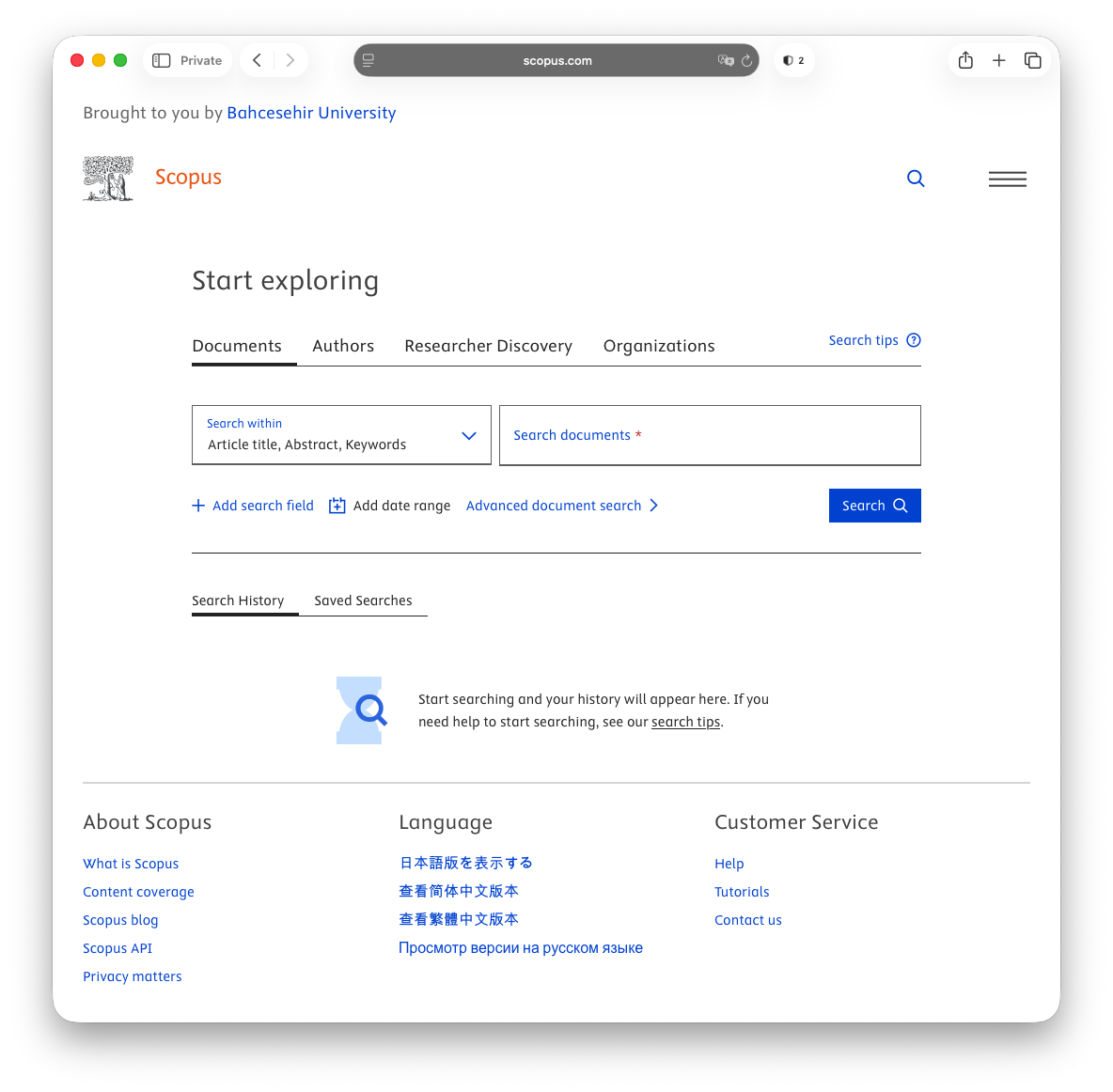
The link to Scopus from the Research Database Index should take you to the page below.
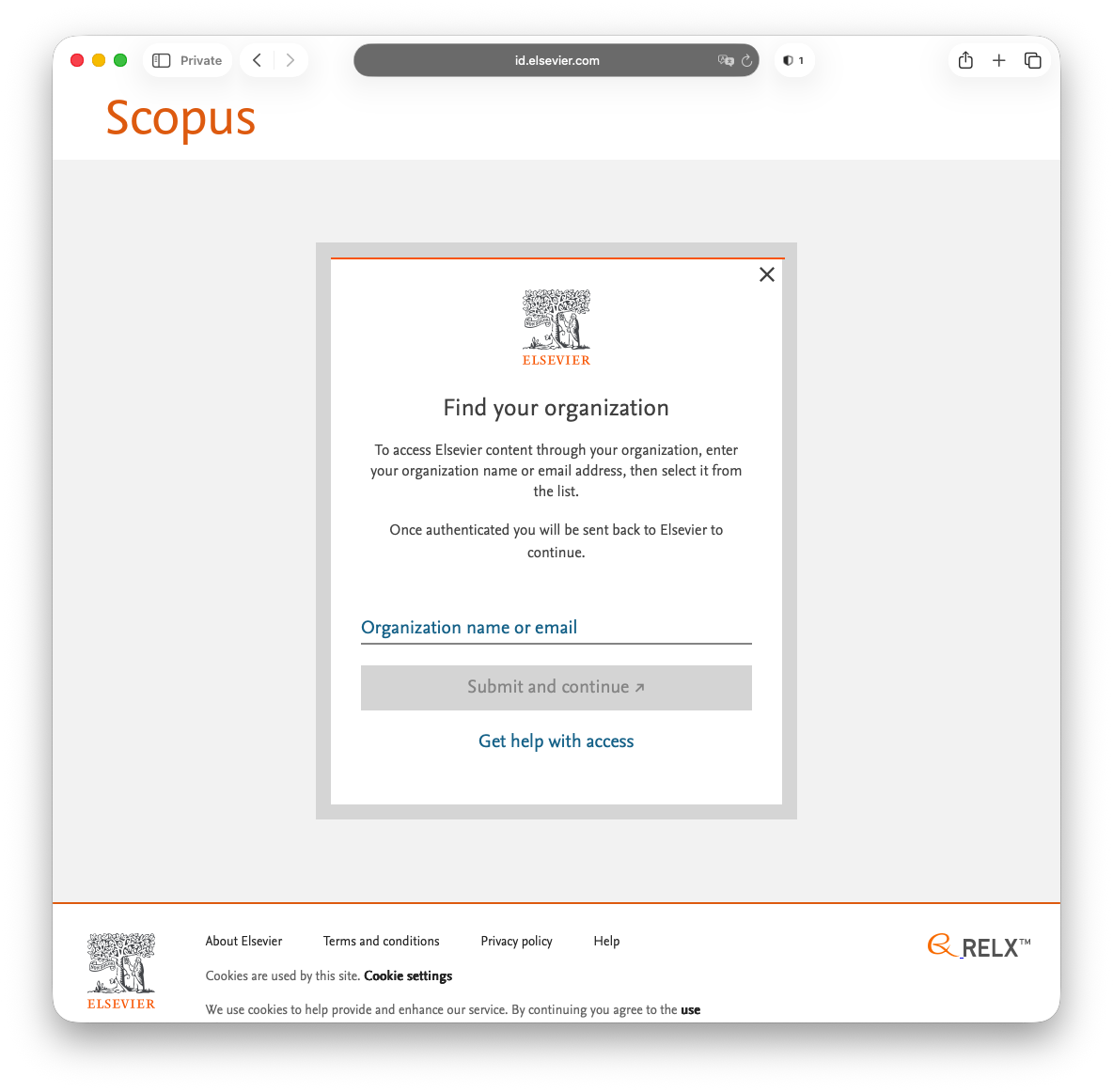
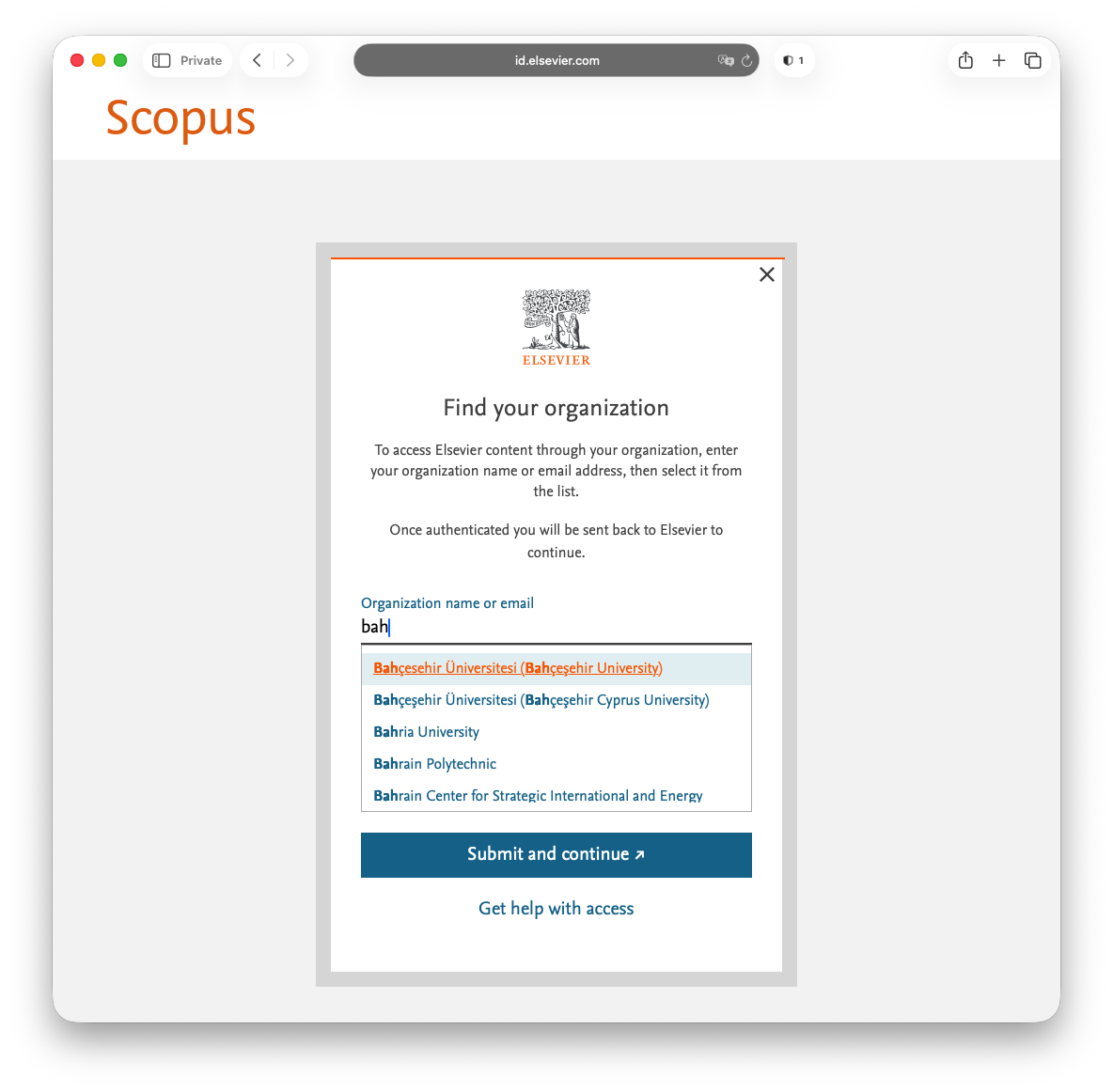
Step 22: From here, select Bahçesehir Üniversitesi (Bahçeşehir University).
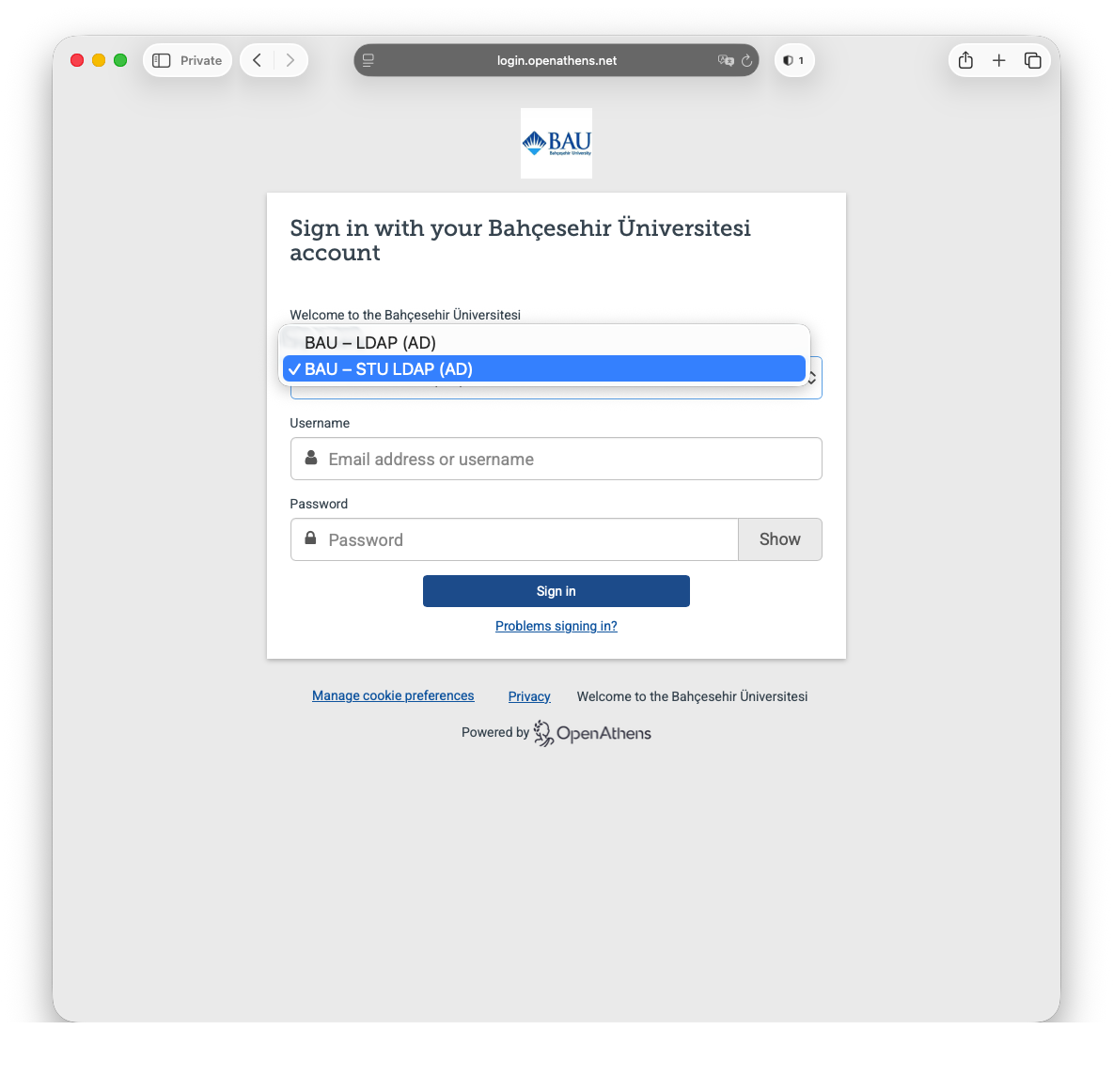
Step 33: Next select BAU - STU LDAP (AD) from the first drop-down menu followed by your UMIS credentials.
Faculty / staff should use their network credentials instead of UMIS credentials here.
Step 4
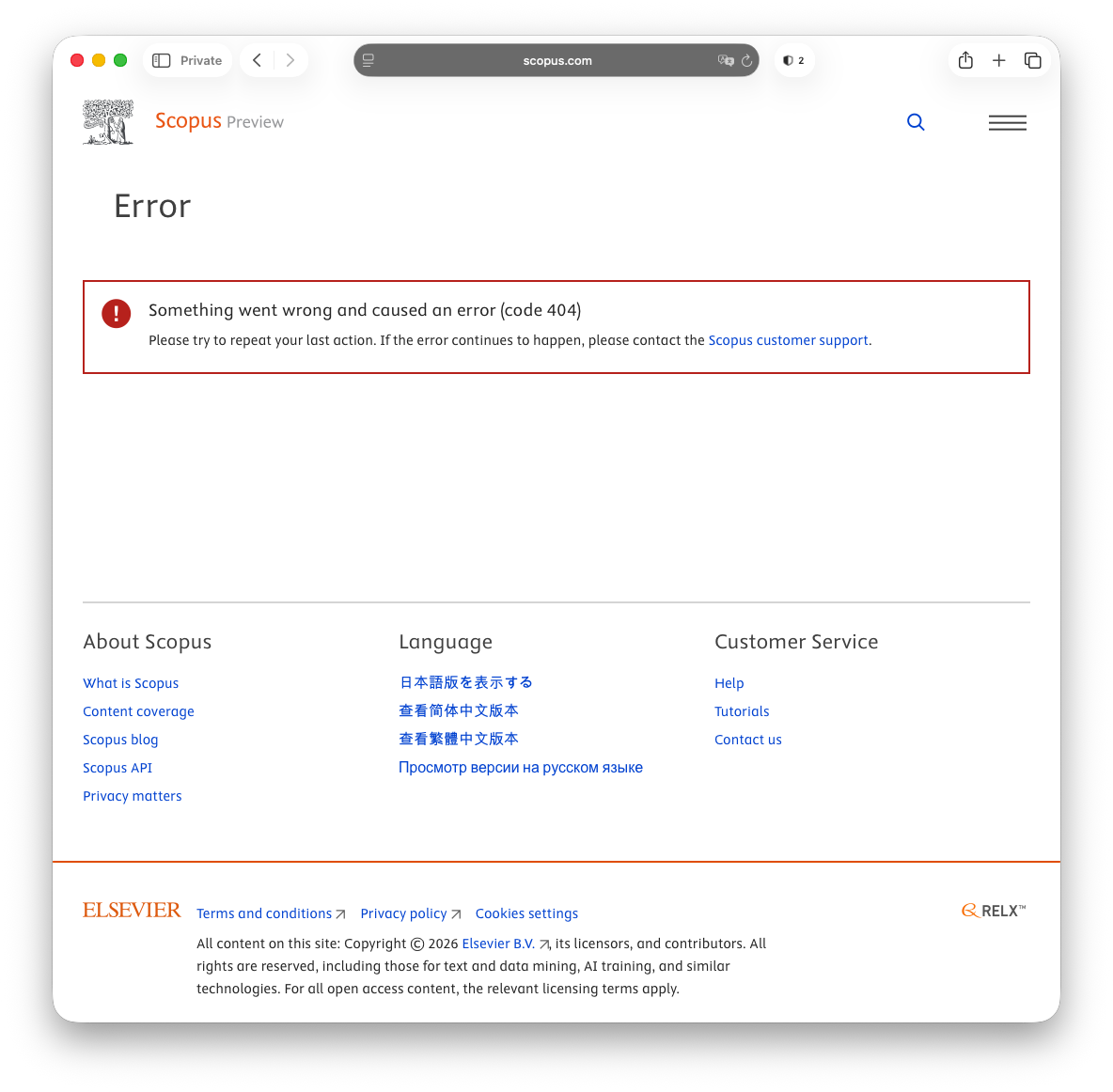
If you see the error screen below, simply click on the Scopus Preview logo in the top left corner of the screen and you will be redirected to the screen above.
How to access Web of Science using OpenAthens
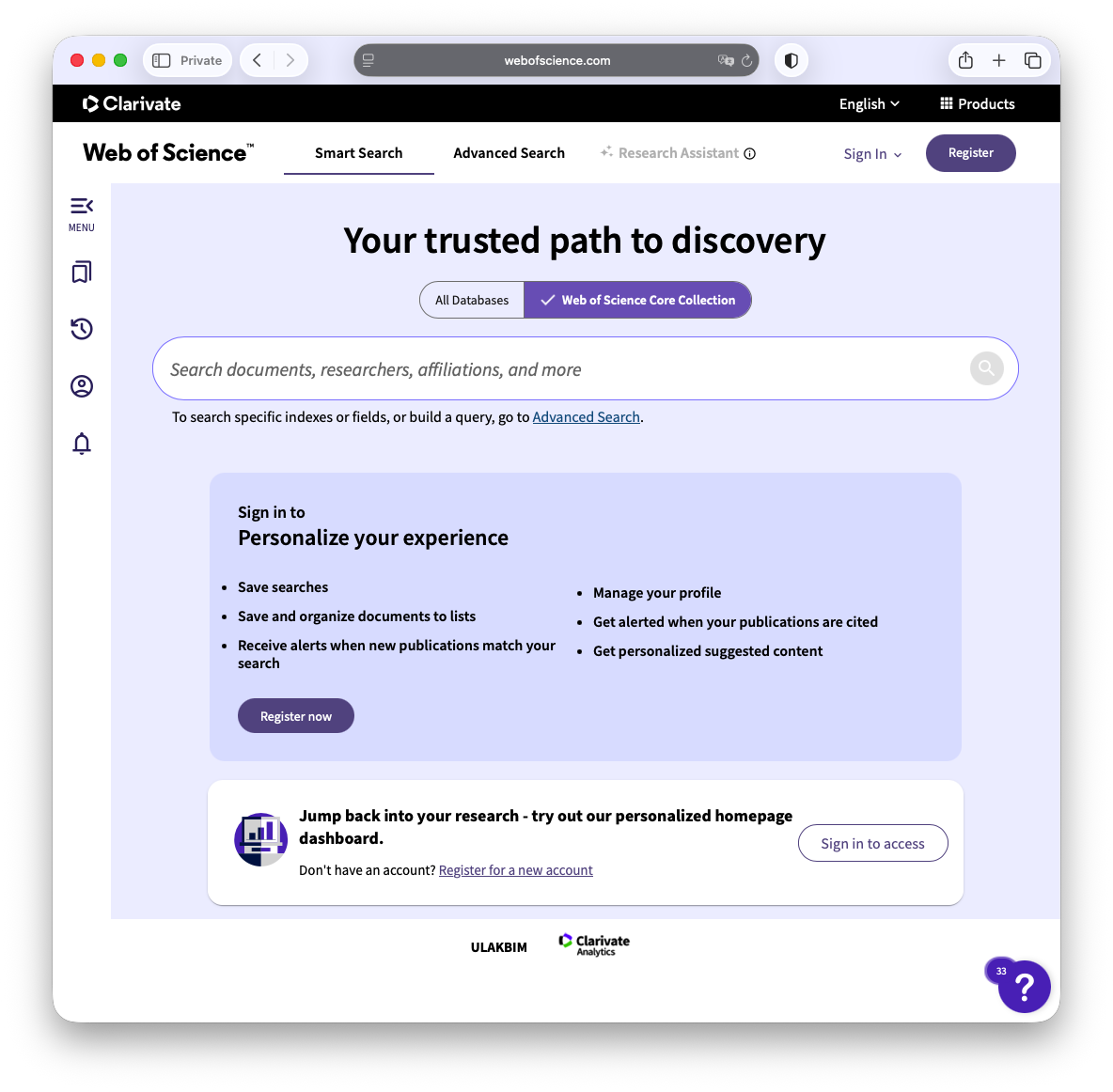
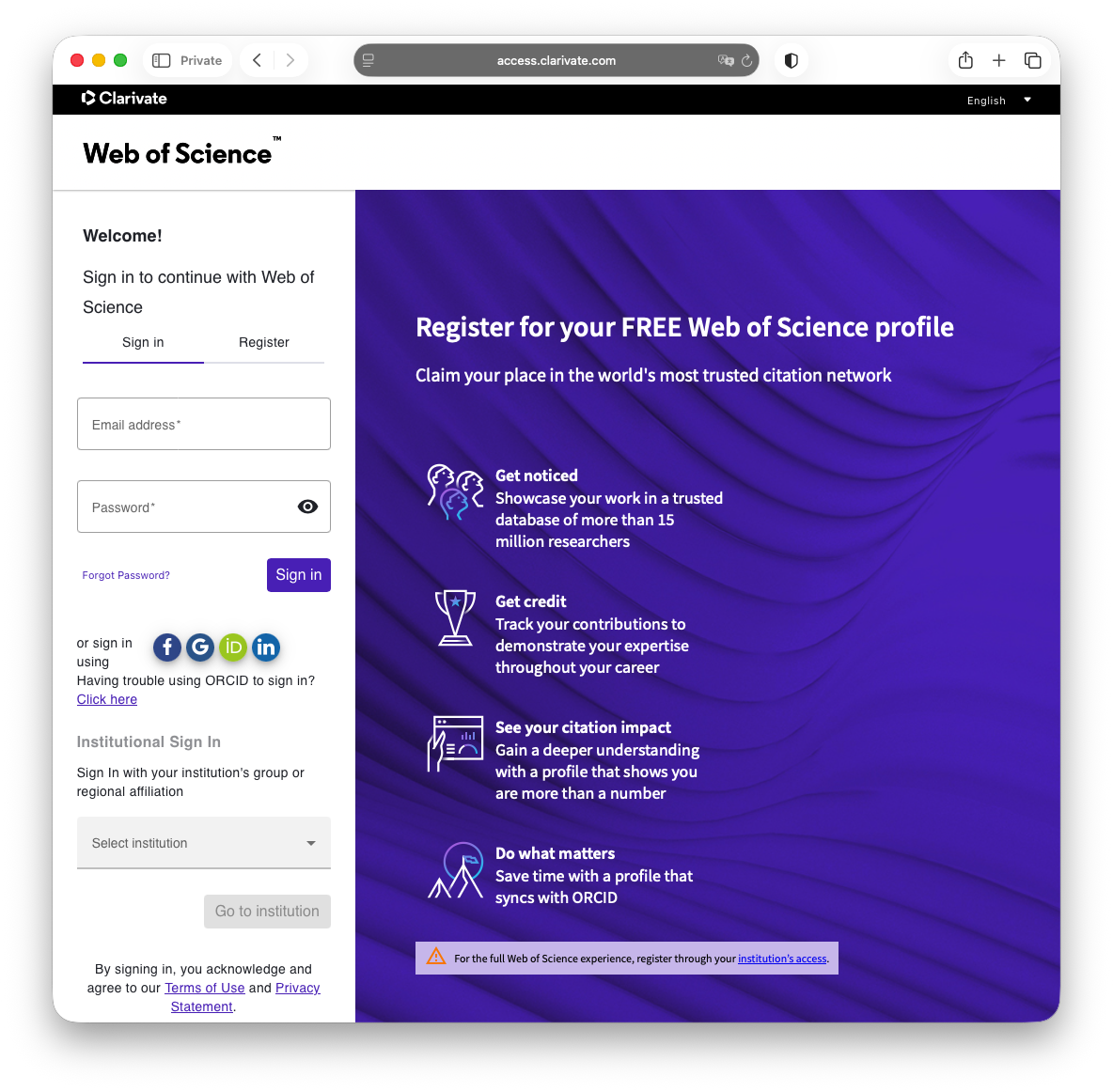
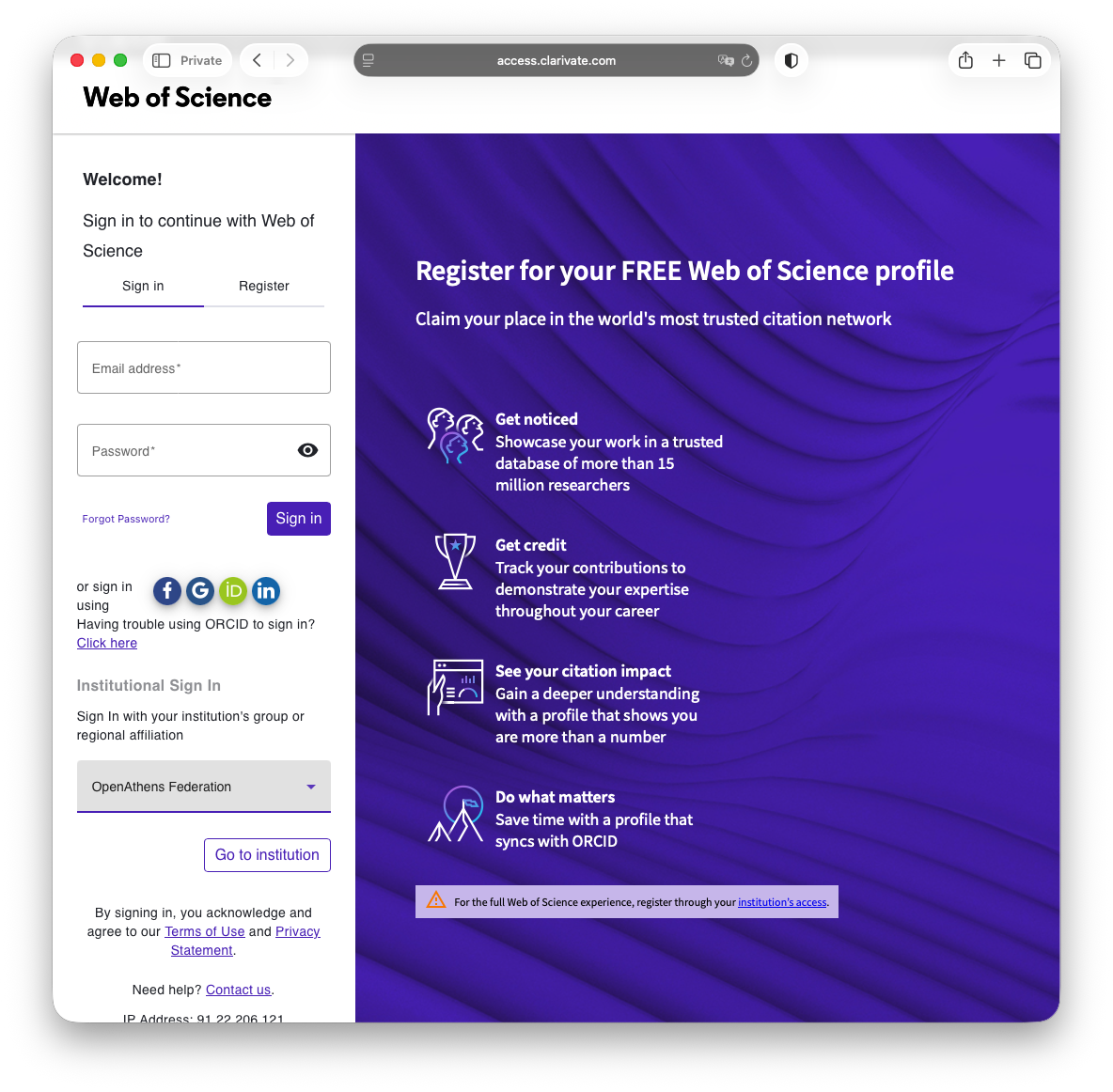
Step 11: The link to Web of Science from the Research Database Index should take you to the page below.
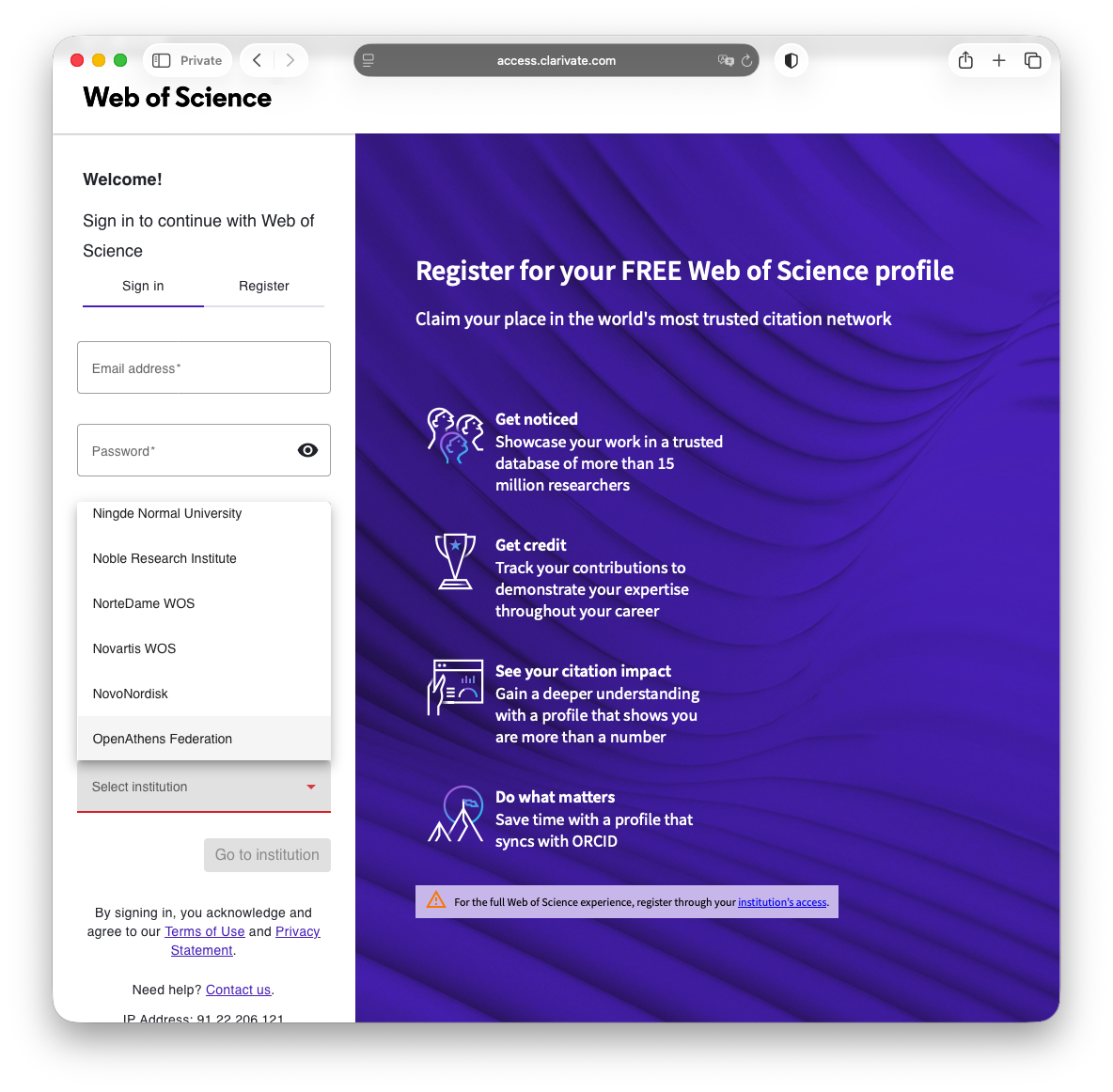
Step 22: Under Institutional Sign In, select OpenAthens Federation.
Step 3
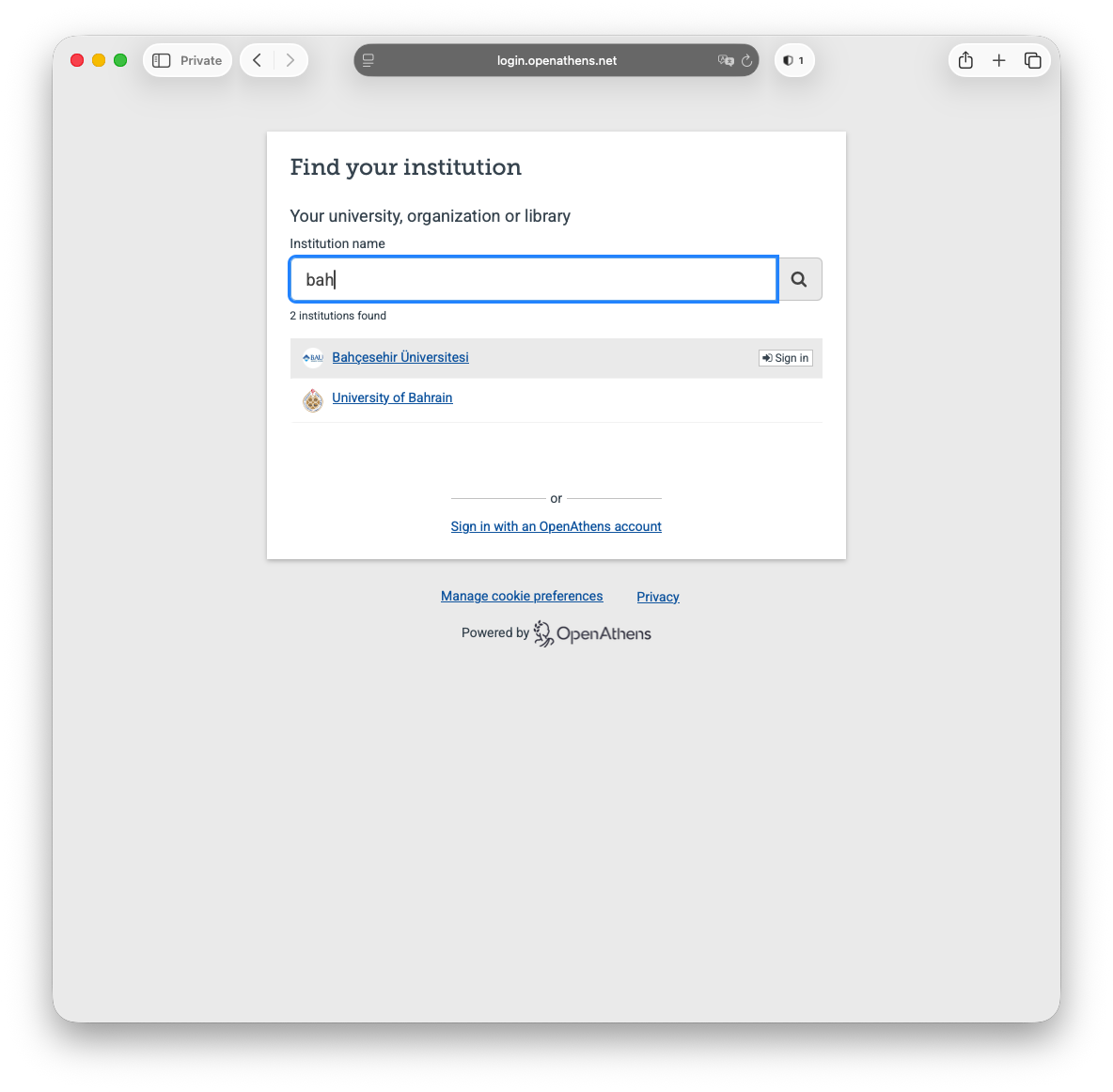
Step 44: From here, select Bahçesehir Üniversitesi.
Step 5:
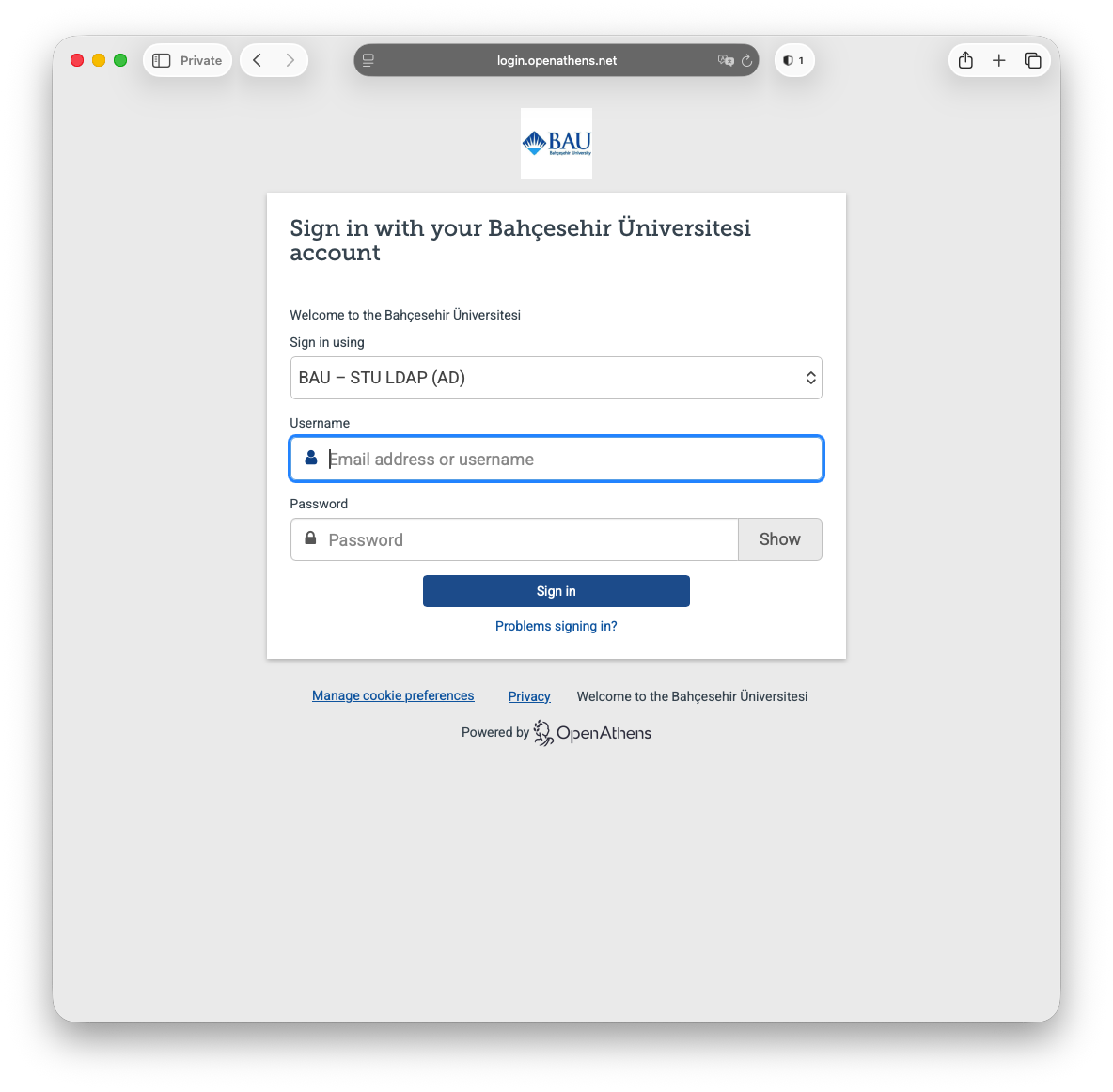
Next select BAU - STU LDAP (AD) from the first drop-down menu followed by your UMIS credentials.
Faculty / staff should use their network credentials instead of UMIS credentials here.
Step 56